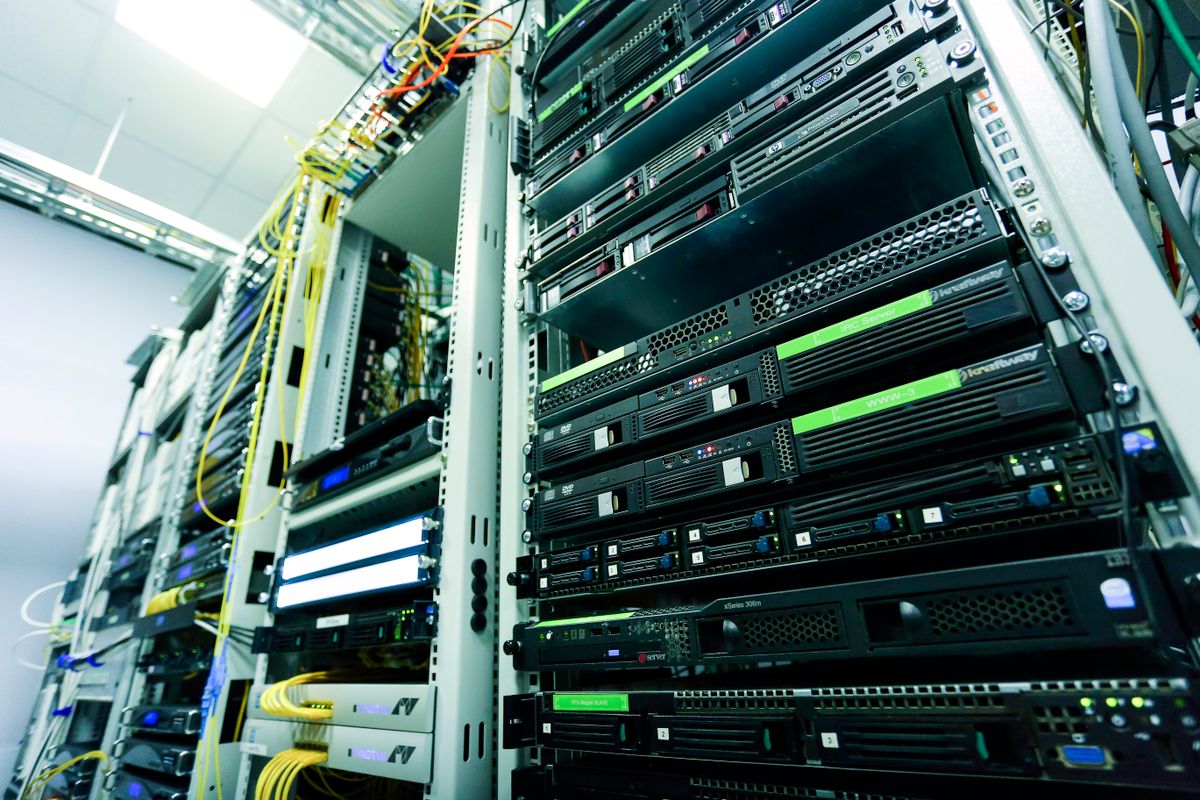

The restore finished on a Sunday night. By Tuesday the ledgers open, the contracts are back in their folders, and the finance lead is on a call with the auditor. The auditor asks one question the backup software cannot answer: how do we know these files are the same ones you had before the incident?
A backup shows what you have now. It does not show that nothing changed between the last clean copy and the one you restored. If someone was inside the network for days before the encryption started, a restored file could already carry an edit nobody noticed.
What a restored file cannot prove on its own
A PDF pulled from backup carries a modification date written by whichever computer last saved it. That date can be set to anything. The file holds no record of what it looked like last month, and no third party stood behind it then. Your word that it matches is the whole case.
Swiss bookkeeping law expects more. Article 3 of the Business Records Ordinance (GeBüV) requires business records and accounting vouchers to be kept so that they cannot be changed without this being detectable. Article 9 paragraph 1 letter b allows changeable storage media on condition that technical procedures secure the integrity of the stored information and that the time of storage can be proven in a way that cannot be falsified; the ordinance names digital signature procedures and time stamps as its own examples. Article 10 adds regular checks of the media for integrity and readability, and a log of any migration, kept with the data.
A restore moves data from one medium to another, and the test in Article 10 is the one your auditor will apply: was it preserved complete and correct, and can you show it?
What a seal adds
When a document is sealed on Swiss Trust Layer, a cryptographic fingerprint of the file is computed. That fingerprint, not the file, is sent to Swisscom Trust Services, the qualified trust service provider, which signs it with a key that never leaves its hardware. The signature carries a timestamp under RFC 3161 and is embedded in the PDF. The original file is not altered. Each sealed folder version also gets a certificate of proof that lists every file with its fingerprint and the sealing time in UTC.
Under Article 41(2) of the eIDAS Regulation, a qualified electronic time stamp enjoys the presumption of the accuracy of the date and time it indicates and of the integrity of the data to which they are bound. The timestamp proves that this exact file existed at that moment and has not changed since. It does not prove who wrote it, whether its contents are true, or who holds the rights. For an integrity question after a restore, that narrow claim is the one you need.
The check after a restore
Take the restored copy of a sealed PDF and upload it to the public validator at swisstrustlayer.com/validate. No account, no registration. It checks the signature chain, the issuing certificate authority, certificate expiry and timestamp integrity, then reports who signed, when, with which certificate, and whether the content was modified after signing. It processes the signature metadata and does not store the document.
If the restored file is untouched, the validator says so, and the timestamp dates that state to before the incident. If anything changed, the fingerprint no longer matches and the validator reports a modification after signing. Either way the answer does not rest on your own assurance, and a bank, an insurer, a counterparty or an auditor can run the same check on their own machine.
The limit, stated plainly
This helps for files that were sealed before the incident. Nothing else.
Sealing a file after the restore proves what that file looked like on the day you sealed it, and it will show any change from that day forward. It says nothing about the weeks before. If a record was altered during the intrusion and then sealed on the clean system, the seal fixes the altered version in place. A timestamp cannot be added backwards. For everything not sealed earlier, you are back to your own word and the backup logs, and the sensible move is to start sealing now.
Which records to seal, and when
Sealing everything is not the point. The records an auditor or a counterparty will ask about make a short list, and most of them close on a calendar:
- Closing ledgers and the exports behind them, at each month-end, quarter-end and year-end.
- Signed contracts, as soon as the last signature is in.
- Board minutes, once signed by the chair and the minute-taker.
- Policies and procedures, at each approved revision.
- Backup manifests, the inventory of what each backup run contains. After a restore, a sealed manifest shows which backup set you used and that its inventory was not edited since.
Each sealed folder on Swiss Trust Layer keeps a version history. A new version can be added and sealed separately, with its own certificate and a note, so a month-end folder can hold twelve sealed versions by year-end.
Keep the sealed original somewhere else
The seal covers a fingerprint of your document, so the sealed file and its certificate have to survive the incident too. If the ransomware reaches the folder where the sealed PDFs live, the fingerprint cannot rebuild them. Keep both in a second place, away from the systems most likely to be hit.
The portal offers ESCROW Storage as an optional storage choice, Swiss-hosted and bound to the verified identity of the account holder. Sealed folders deposited there receive an ESCROW ID for recovery. Swisscom Trust Services provides the storage, ProLitteris operates the escrow, Swiss Trust Layer provides the technology. If every credential is lost in the incident, identity can be re-verified, online or in person through a KYC agent, and access restored.
One step this week
Article 10 asks for regular integrity checks and a log of every migration. After any restore, run the sealed files through the validator, record the results, and keep that record with the data.
Then pick the single record you would least want to defend from memory. The last closing ledger is a good candidate. Seal it, put the sealed file and its certificate somewhere the next incident cannot reach, and put the next month-end in the calendar. The full mechanism is on how it works.
Seal your first document on Swiss Trust Layer and give the next question an answer.